Open and read
Double-click a Markdown file and get a clear, typographic preview with live disk refresh.
A proper Markdown reader
Read beautifully. Edit when you need to.
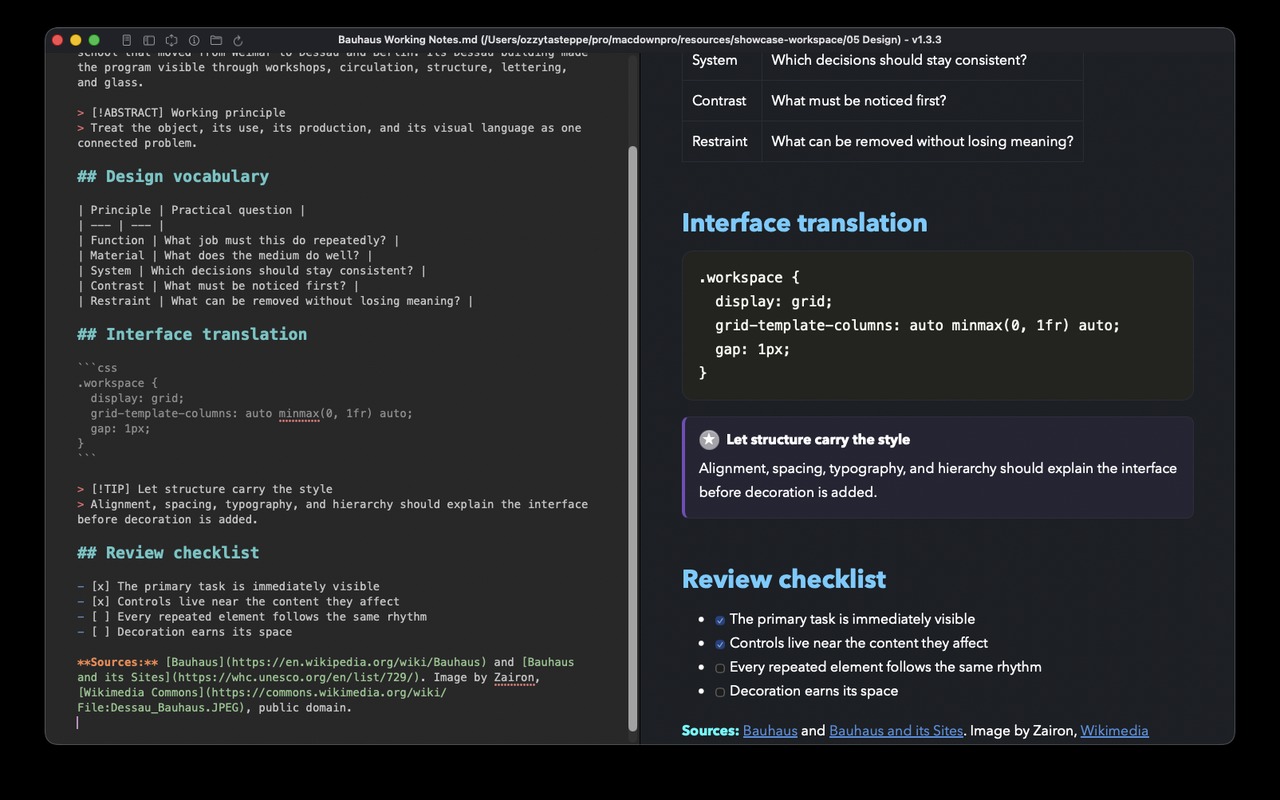
Open one Markdown file or a whole folder in a focused Mac workspace. MarkoDown keeps the rendered page central, refreshes it when the file changes, and brings editing tools forward only when the work calls for them.
macOS 15 or later. The complete app is included for your first 100 document loads.
Inside MarkoDown
Ten documents across science, design, history, literature, and field work. Every image comes from the release build of the macOS app.
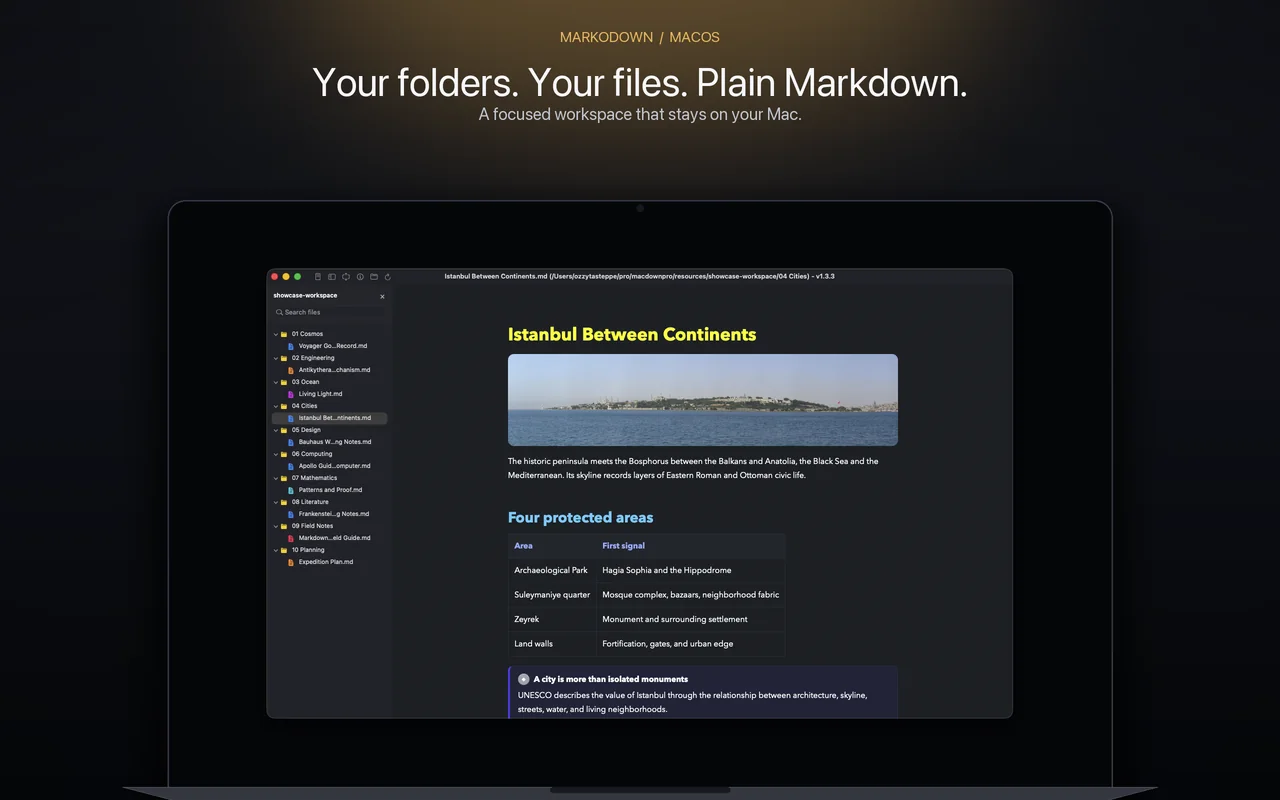
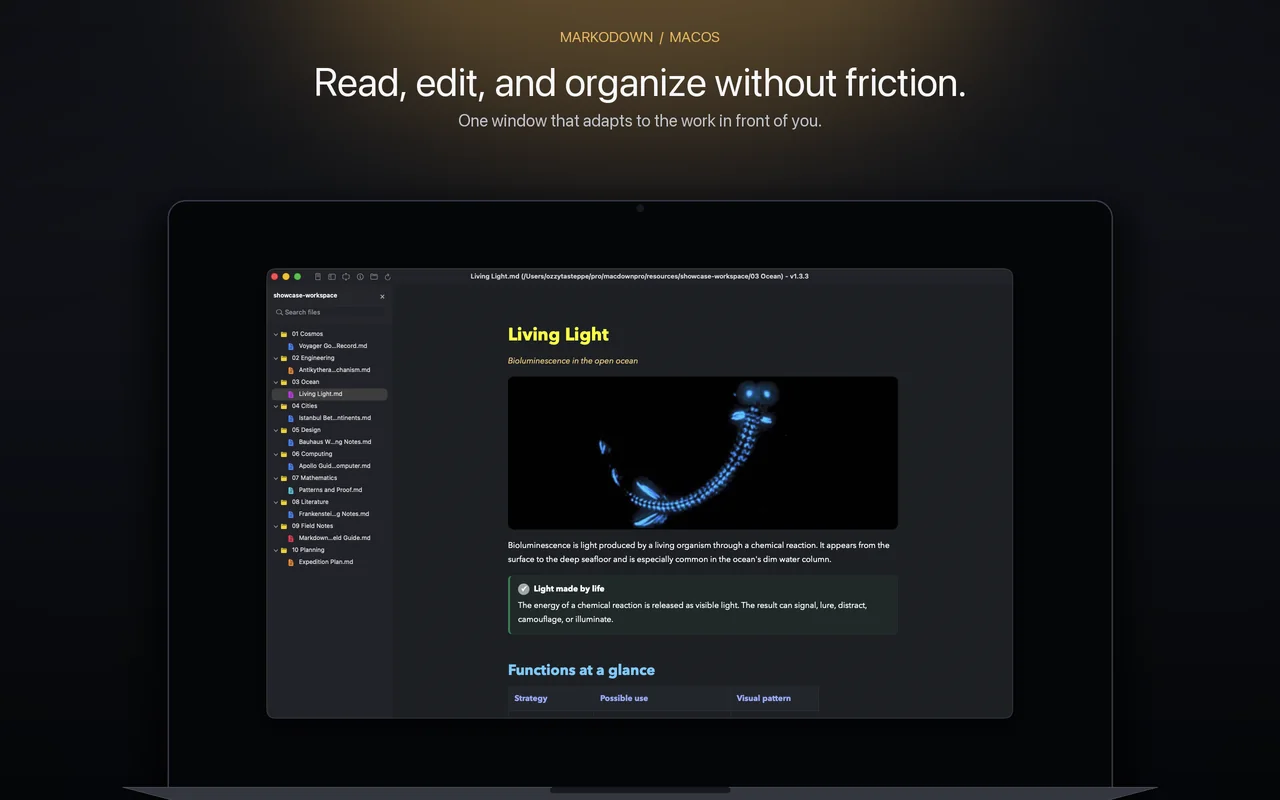
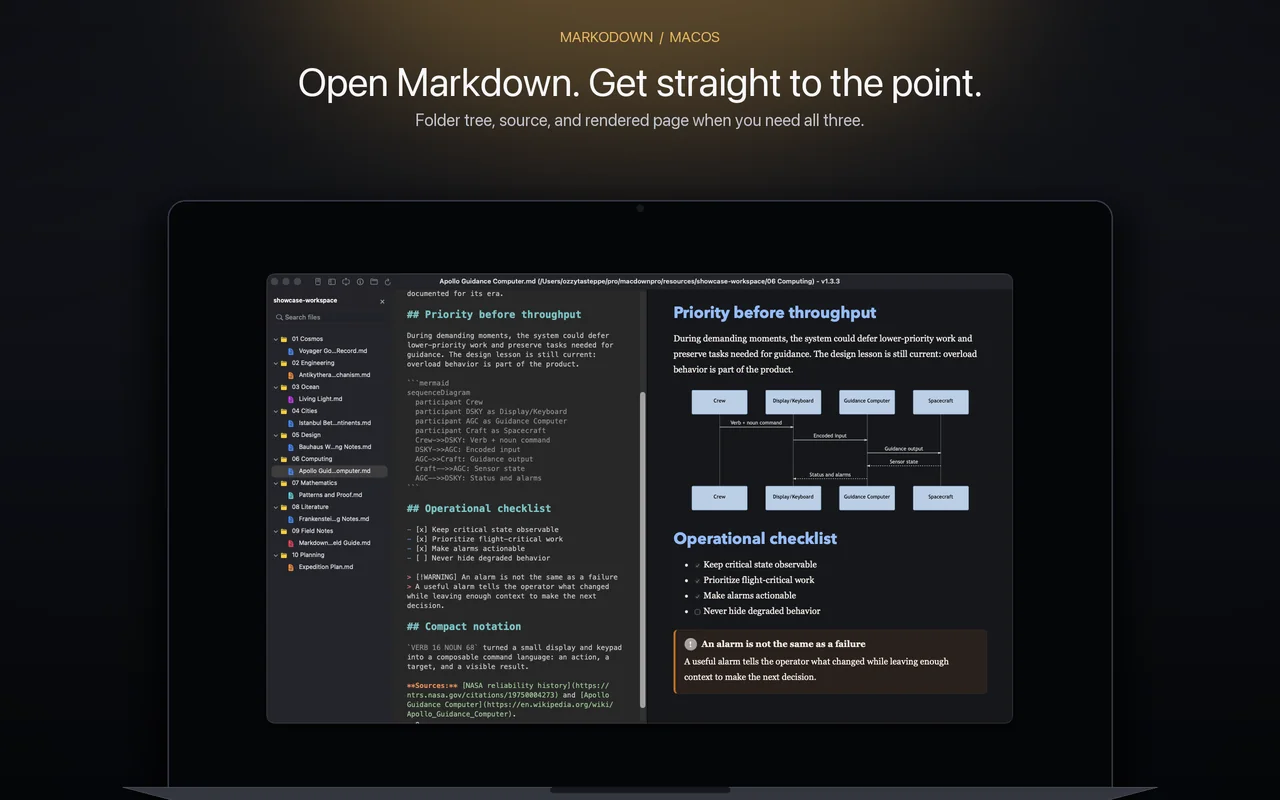
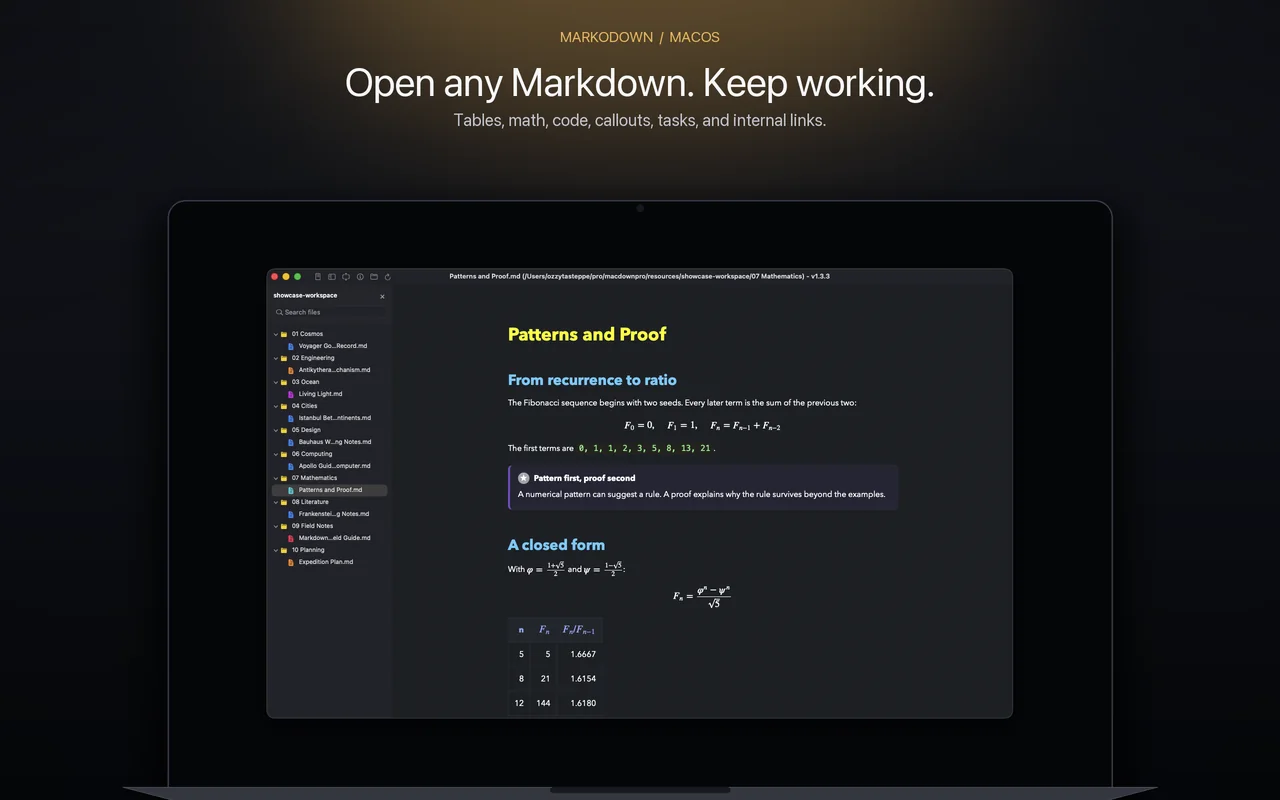
One window, three modes
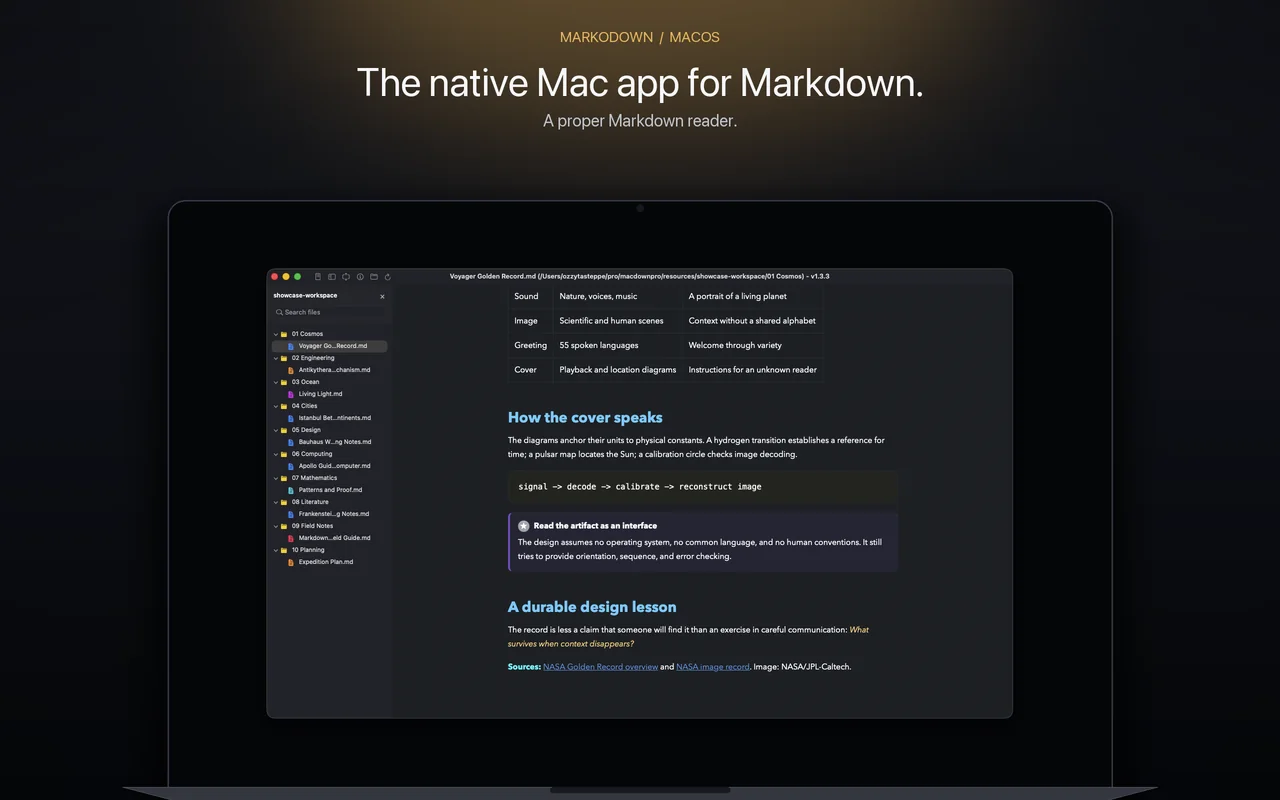
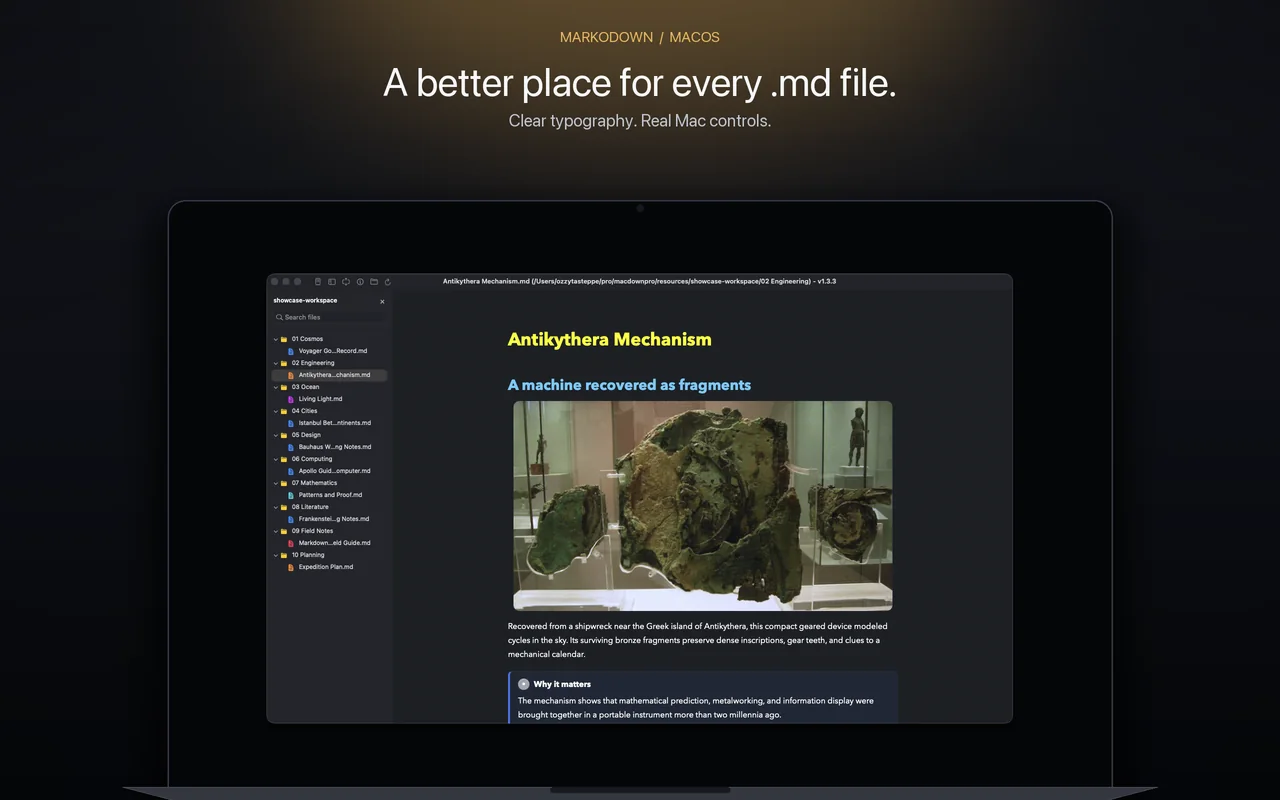
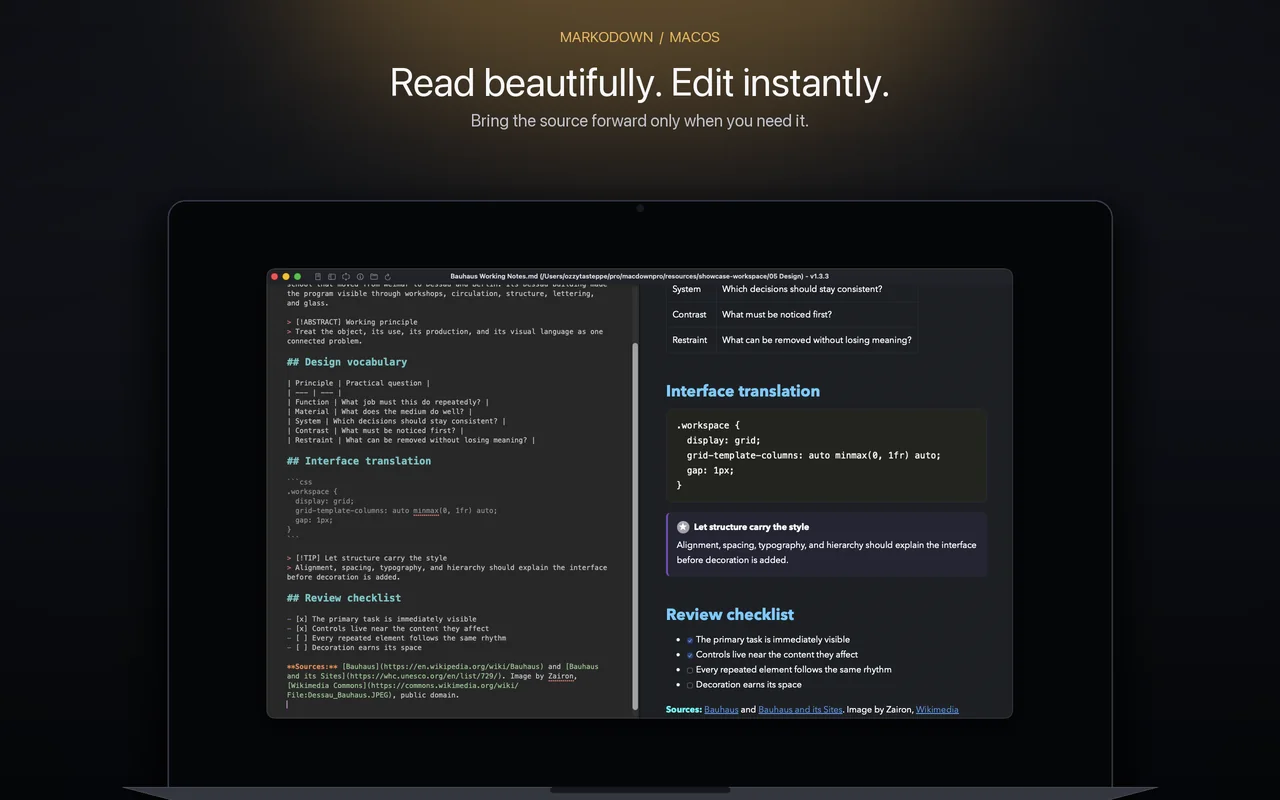
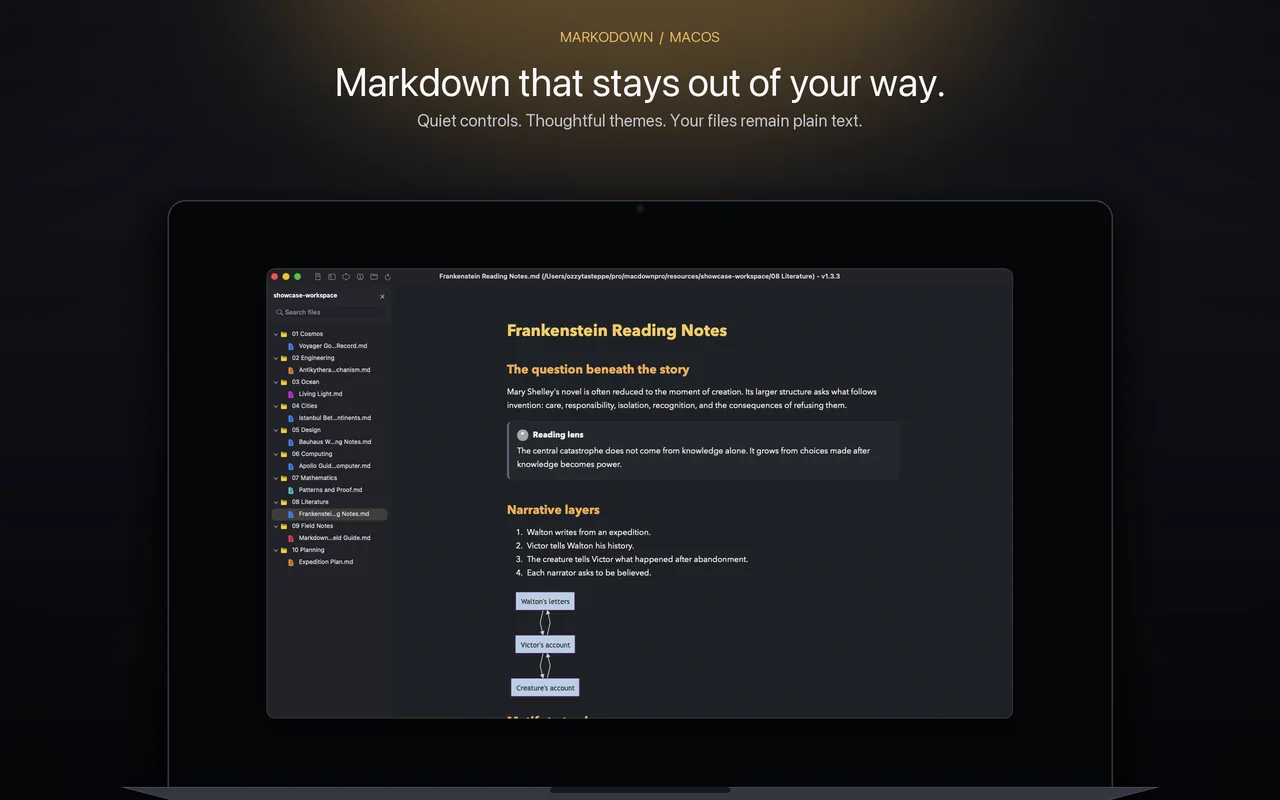
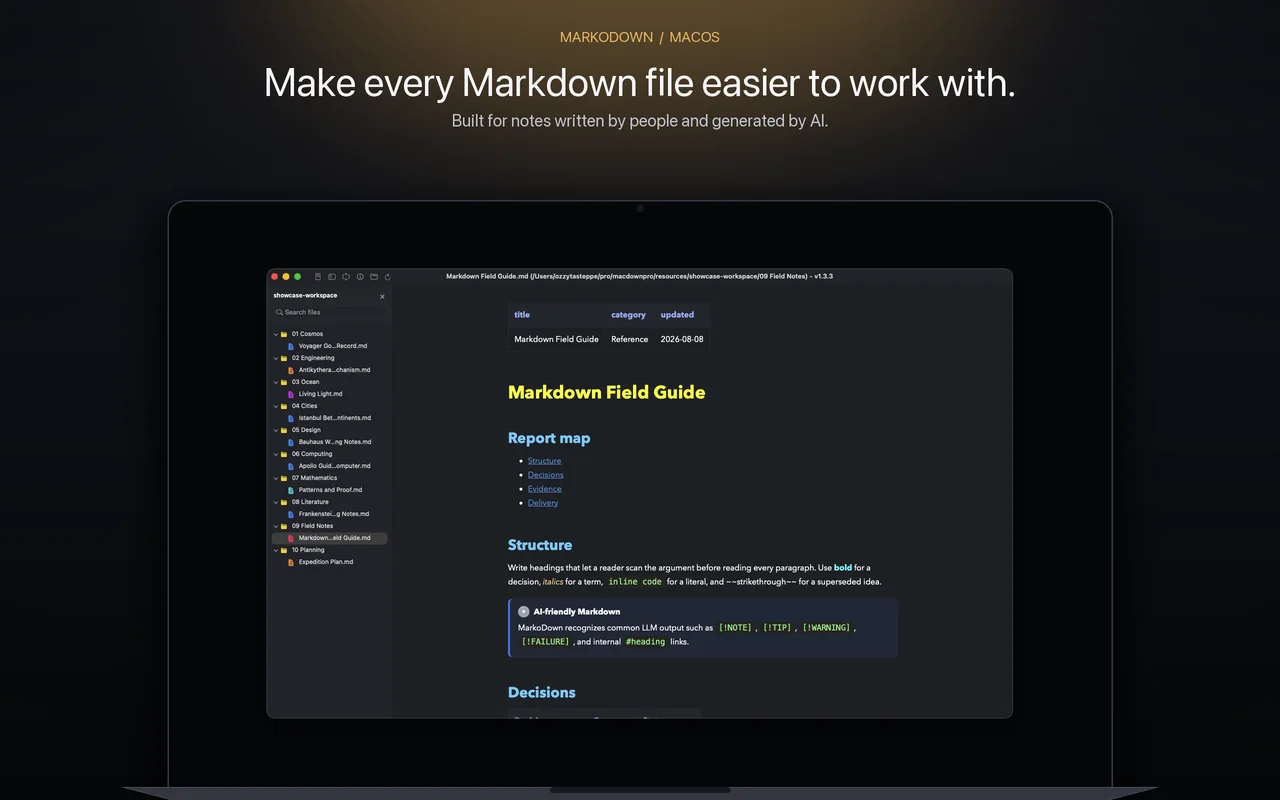
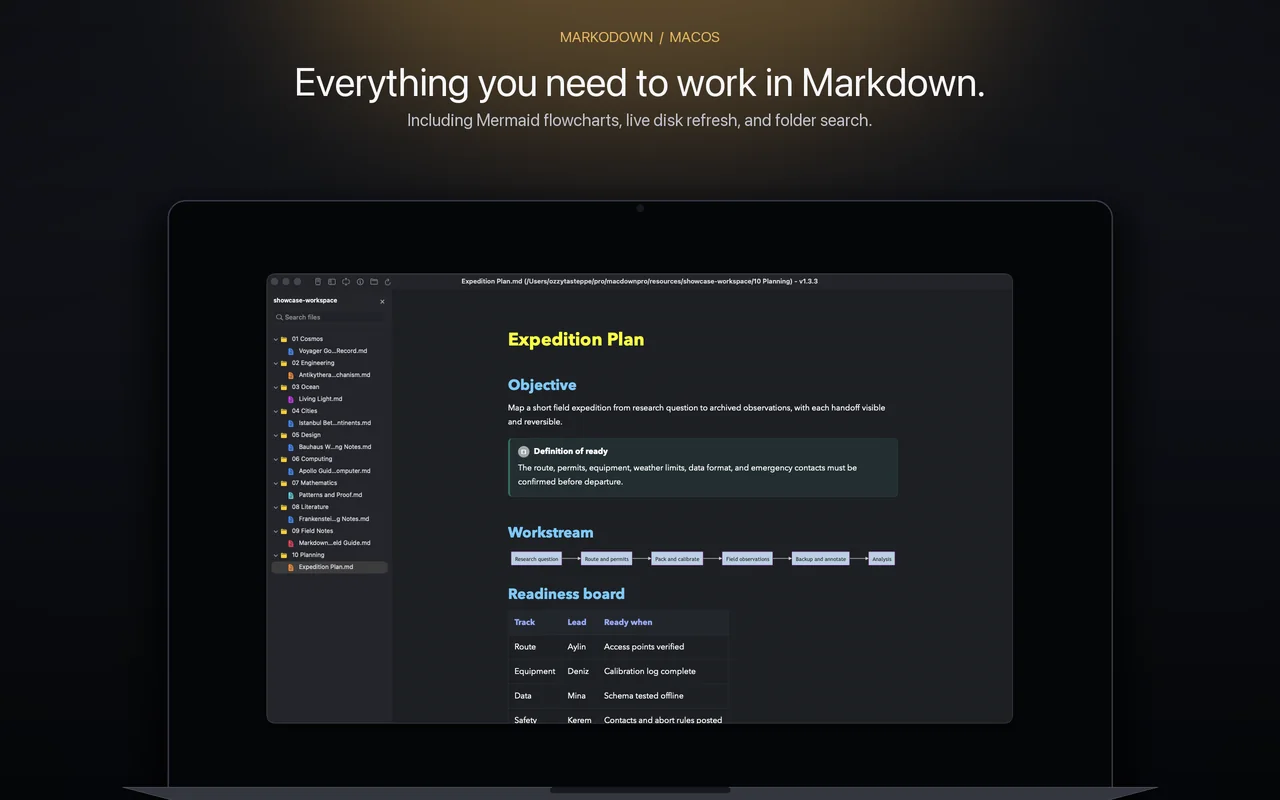
The reader remains central while the folder browser and editor appear only when the job needs them.
Double-click a Markdown file and get a clear, typographic preview with live disk refresh.
Reveal the editor without losing the rendered document. Preview updates follow your work.
Browse nested Markdown files and search the workspace from a compact, collapsible sidebar.
Built for real Markdown
MarkoDown is used daily by its developer and thoughtfully designed for people who depend on Markdown. Fast file opening, clear controls, adaptive panes, and local-first behavior make the workflow frictionless.
Your documents stay on your Mac. MarkoDown opens the files and folders you choose.
Find matching text across a workspace and jump straight to the relevant document.
Follow heading anchors inside the current document and open external references normally.
Turn finished work into HTML or PDF while keeping the Markdown source in place.
Direct download
MarkoDown is available only from Tepesoft. The notarized Mac app includes Finder file associations, the markodown command, and unrestricted folder workflows.
Install MarkoDown from the website for Finder integration, terminal workflows, the markodown command, and unrestricted folder access.
Signed with a Developer ID certificate and notarized by Apple for a clean macOS install.
MarkoDown Pro
After the preview, choose monthly or lifetime access to keep opening and working with Markdown.
$4.99 / month
Keep every Pro tool active. Cancel from your purchase portal whenever you need.
$29.99 once
Keep MarkoDown Pro with one purchase and no recurring charge.
Secure checkout and receipts are provided by Paddle. Prices shown in USD; applicable tax is calculated at checkout.
Questions
MarkoDown Pro is required to keep opening, reading, editing, searching, and exporting Markdown after the preview.
No. Document reading, editing, folder browsing, and search happen locally on your Mac.
Yes. Install MarkoDown and request a new activation code using the email from your Paddle receipt.
MarkoDown is available only from this website. The download is signed, notarized by Apple, and includes the command-line tool and systemwide file integration.